
Download speclo and select your gym
Connect your workout experience to the equipment at the gym you use.
In this article
Install and sign in
Download speclo from the App Store or Google Play. Open the app and create an account, or sign in to your existing one. Complete the profile information requested during setup.
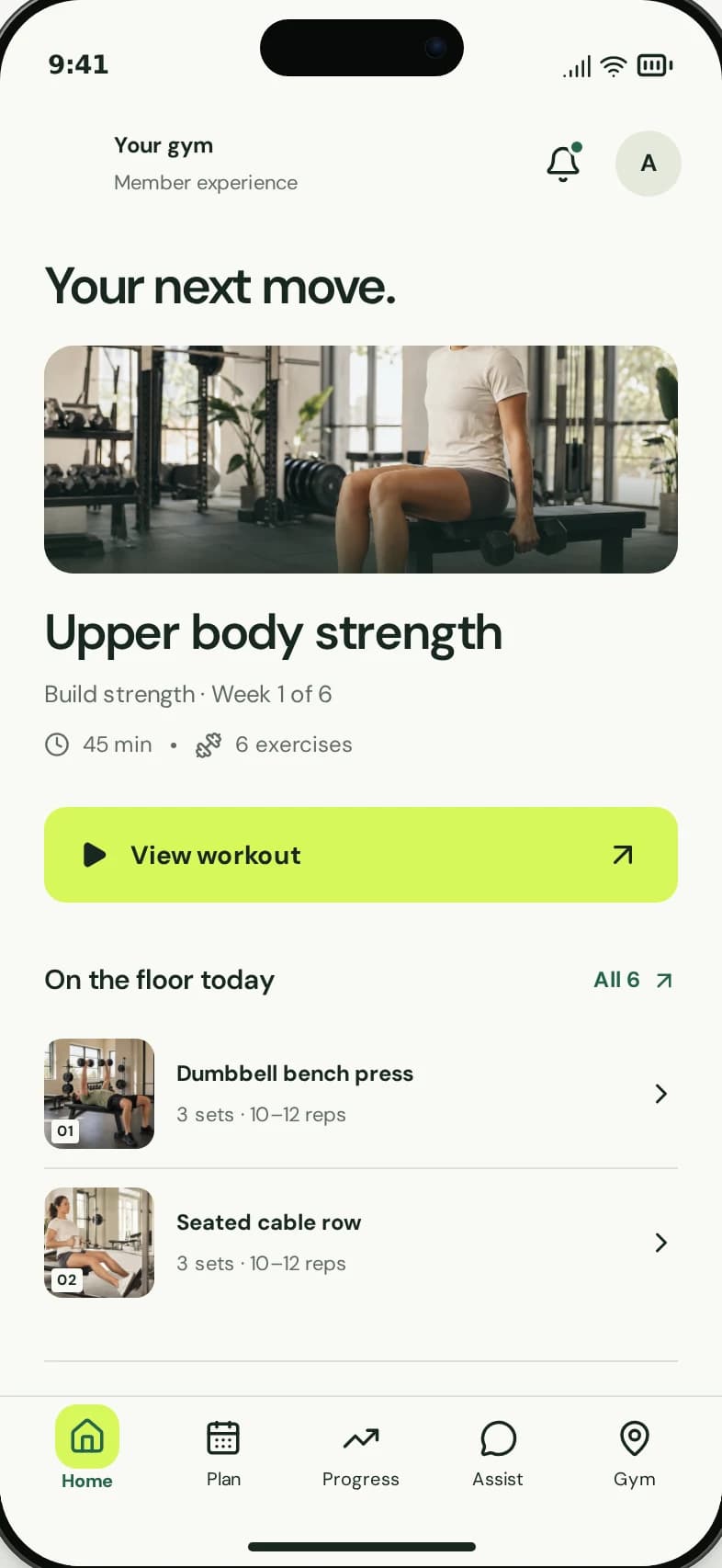
Your selected gym gives the workout experience its equipment context.
1
Select the correct gym and location.
2
Complete your profile and training preferences.
Select your gym
- When asked to find your gym, search for the gym you train at.
- Check the gym name and location, especially if there are similar names.
- Select the gym and choose Continue.
- Complete the remaining setup and training preferences.
If you cannot find it
Check the spelling and ask your gym team which listing to select. Do not choose an unrelated gym just to continue: its equipment may not match yours.
If the correct listing is missing, contact speclo with the gym name and location. Do not send your password or payment details.
Contact support