
Set up your gym. Help members get started.
Add your gym and equipment, introduce the app to members, and start reviewing the training they record.
Before you get started.
0 of 4 readyA quick checklist for this visit. Nothing is submitted.
Add your gym and equipment.
Create or claim your gym, check its details and add your logo. Record the equipment types and quantities available on your floor.
Your team keeps this inventory up to date so it remains useful context for member workouts.
Equipment instructionsYour equipment
Example inventory. No floor-plan drawing required.
Ask members to download the app.
Members download speclo, create an account and select your gym. Their profile, goals and training preferences help shape their plan.
Show staff the journey first, then help members open and record a first session.
Use the rollout guide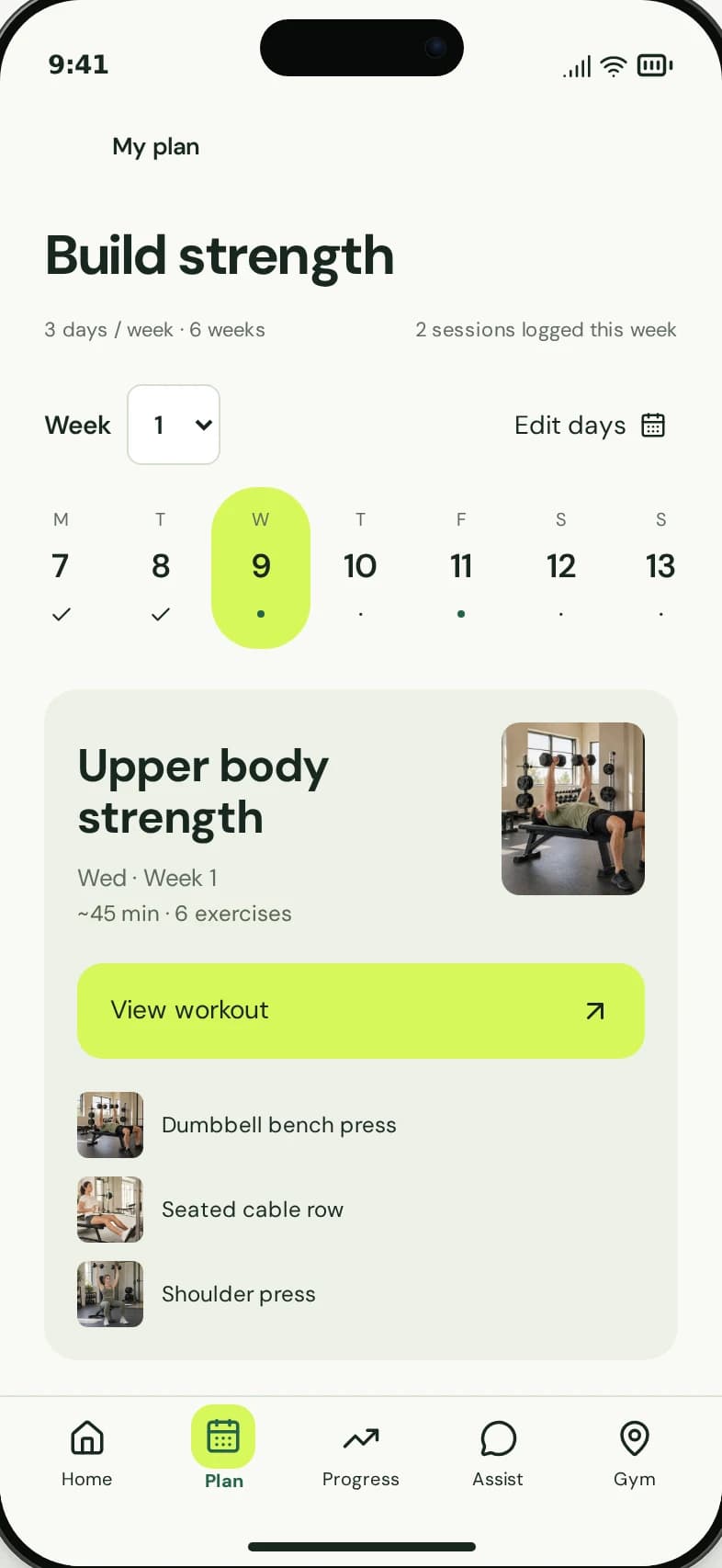
Review activity. Support your members.
As members record workouts, review the activity in your dashboard. Look at training patterns and use the context in conversations on the floor.
A drop in recorded activity is a reason to ask a question, not proof that a member will cancel.
Explore the dashboardA simple team routine.
- Check members can find the right gym.
- Help them complete a first recorded workout.
- Review activity alongside staff observations.
- Follow up with relevant, personal help.
Fit it into the way
your gym works.
Keep setup responsibilities clear from the start.
See speclo
in your gym.
Walk through the member app, operator insights and what it takes to get your gym started.