
Create your first workout plan
Set up a plan using your goals, experience, training preferences and gym.
In this article
Before you create a plan
Complete your profile and check that the selected gym is correct. The gym’s equipment is part of the context used for your workouts.
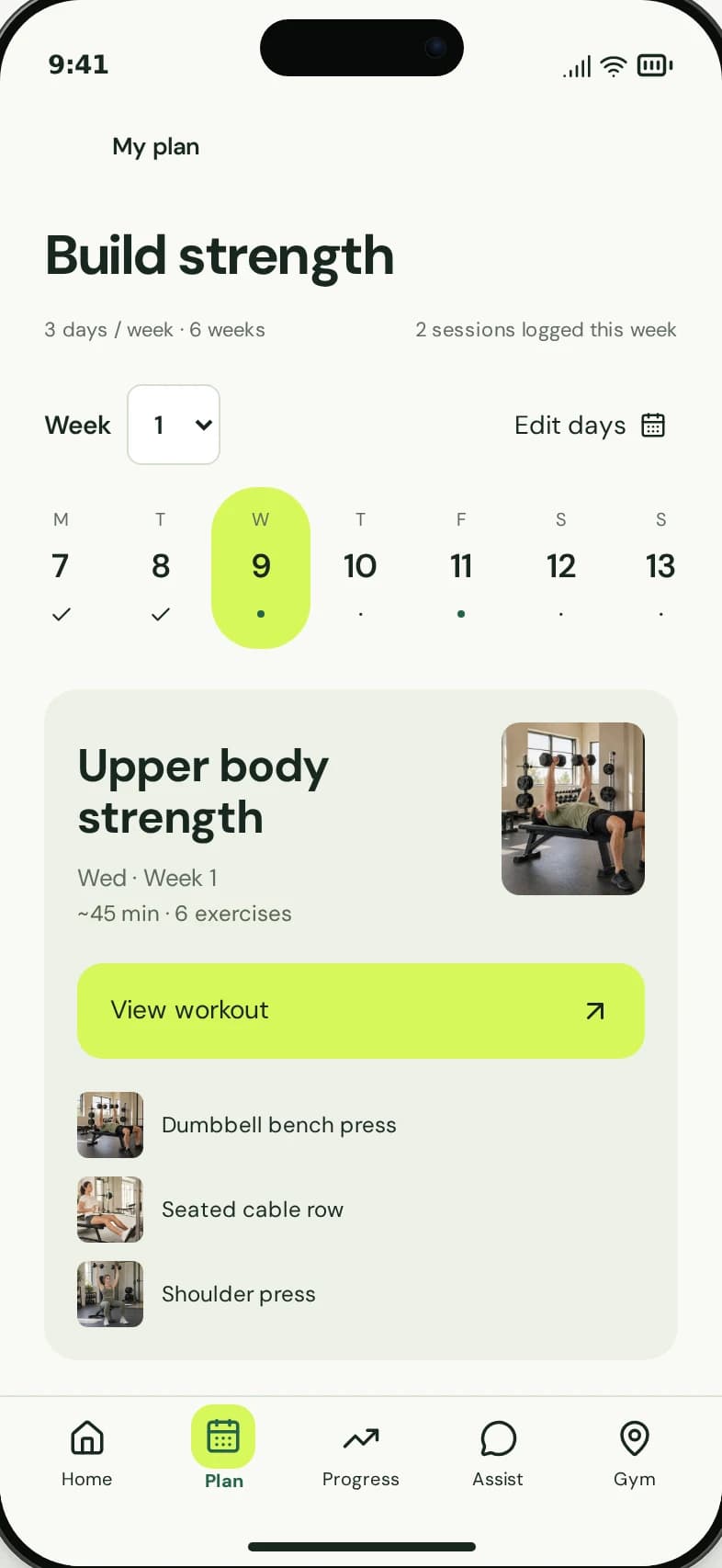
An example plan in the member app.
1
Your training preferences shape the plan.
2
Open a workout to review the exercises.
Enter your training preferences
- Open the workout-plan creation flow in the app.
- Answer the questions about your goal and training experience.
- Set a training schedule and session length you can realistically follow.
- Complete the remaining required questions and review your answers.
- Choose Create Workout Plan and wait for generation to finish.
Open the first session
Once the plan is ready, open it and review the first workout. Look at the exercise details before starting. Record your sets during the session so they become part of your training history.
The plan is training guidance, not a medical assessment. Ask qualified staff if you are unsure whether an exercise is suitable for you.
If generation does not finish
Keep a stable connection and allow the request to complete. If the app shows a failure, use its retry action. Avoid repeatedly creating new requests while an existing one is still processing.
If the problem continues, contact support with what happened and the screen you reached. Do not include sensitive health information unless the support team needs it through an appropriate channel.
Contact support